Clarity / Context / Control
Quiet HUD
More city.
A clearer next move.
Keep your eyes on the city. The interface brings the next useful action forward, gives combat warnings room to breathe, and keeps the deeper explanations one deliberate step away. From the first character to a crowded battlefield, less reading stands between you and the game.
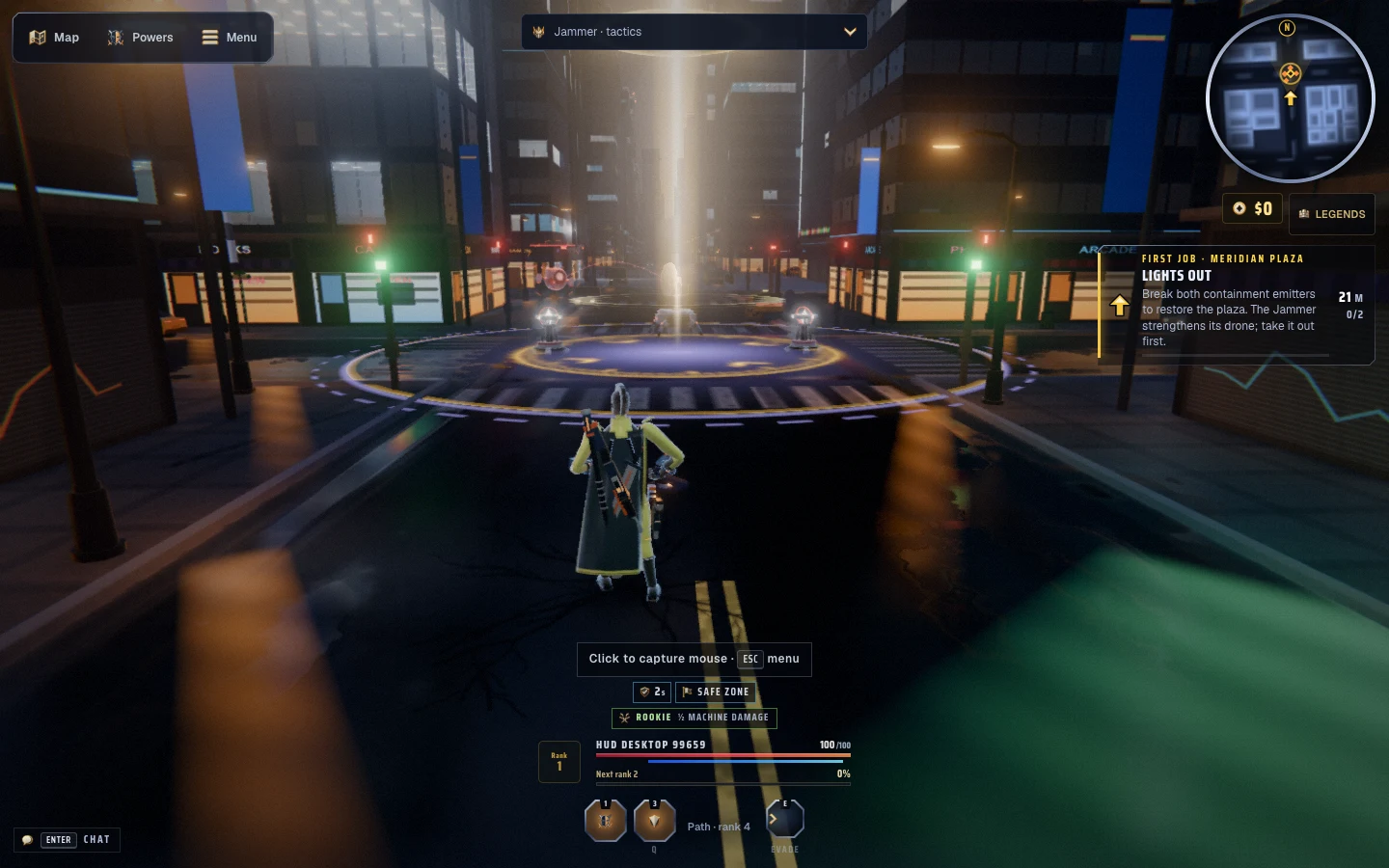
01 / Keep the world in view
The city takes the lead.
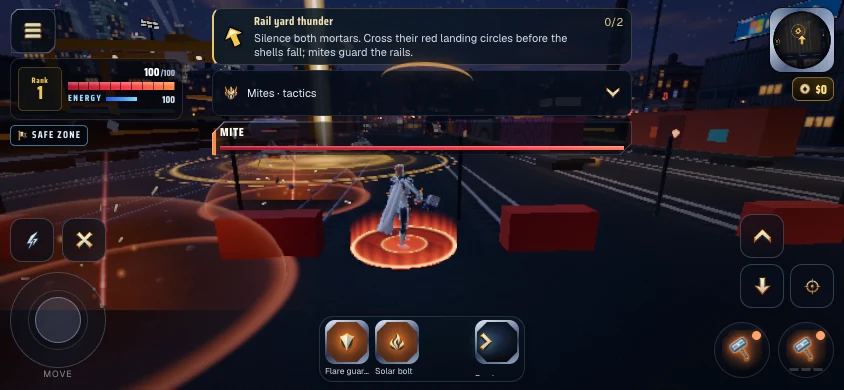
You came here to fly the skyline and fight for the streets. The HUD now spends its space on what matters in this moment. Calm exploration leaves more room for the world; a nearby encounter brings its own purpose and controls forward.
A continuous native walkthrough: character creation, the city HUD, rank details, Powers inspection, a primary input, movement and the city map. The full interface and original elapsed timing remain visible.
02 / The answer stays visible
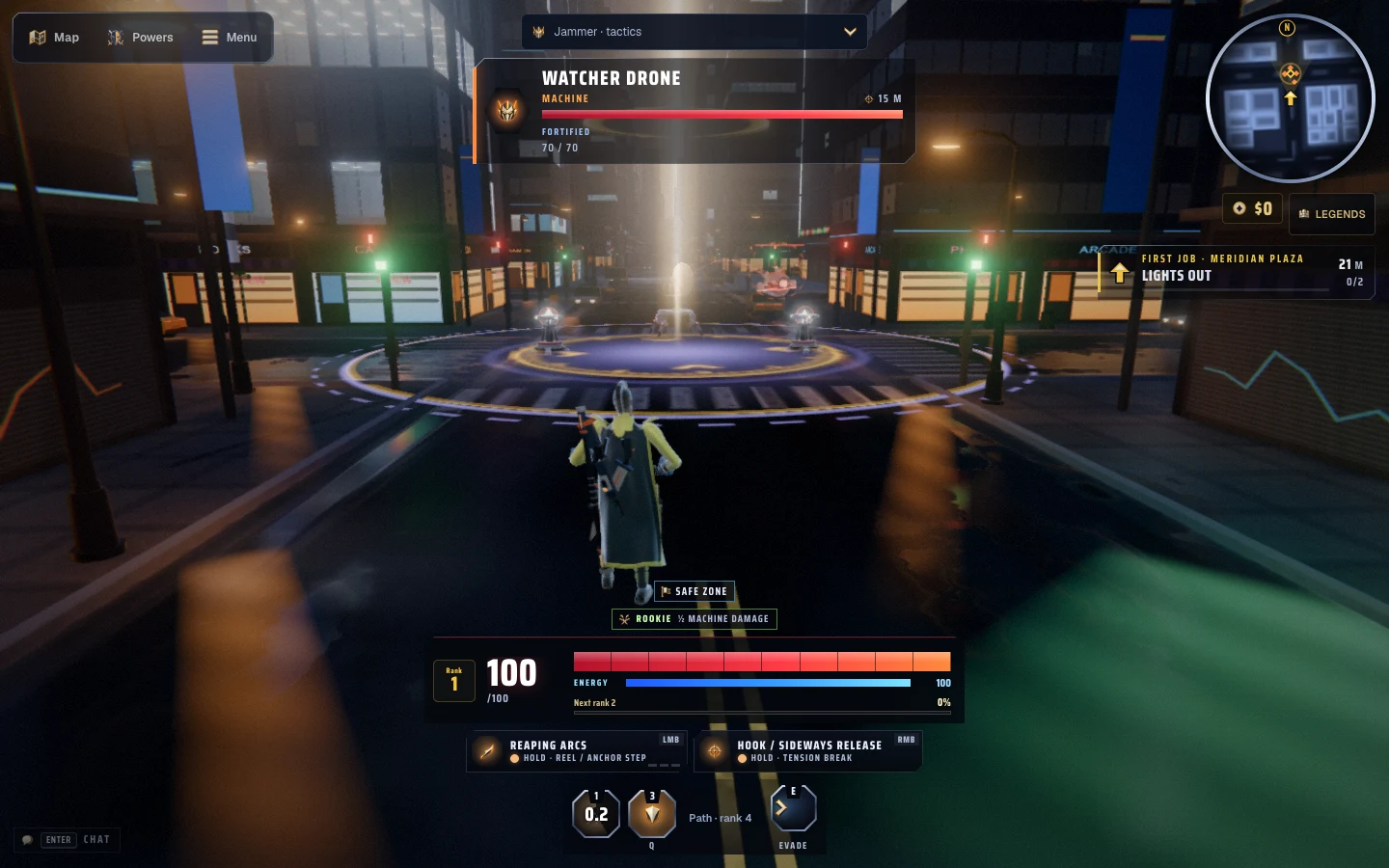
Know your next move.
Read the phase goal. Recognize the weak point. See how to answer the next attack. Immediate instructions stay close to the action, while extra encounter tactics wait behind a deliberate disclosure. A battlefield channel, carried cell and approaching shipment each get the instruction they need.
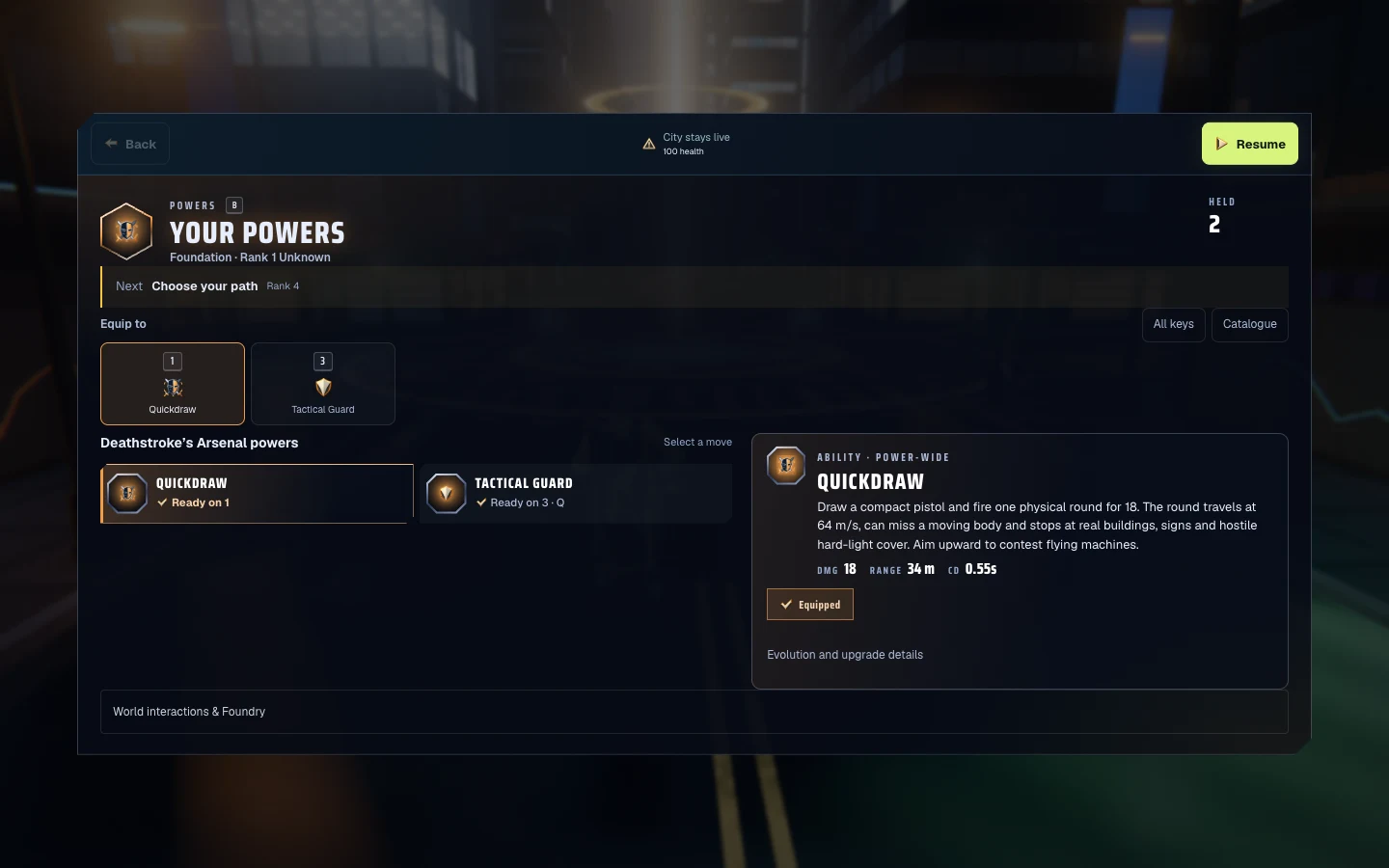
03 / Built around your screen
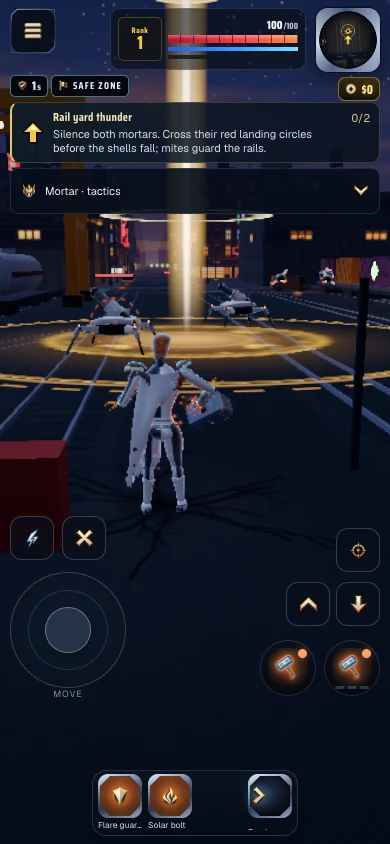
Turn the screen. Keep your bearings.
Portrait touch controls, a short landscape window and a wide desktop each need a different balance. Essential actions keep room to work. Secondary rules, sketches, field notes and settings reveal their detail when you ask for it, with a clear way back to the game.
What stays familiarThe city, combat and your character+
- The same game rules
- This presentation update keeps the existing combat, progression and reward mechanics. It changes how their information and controls meet the player.
- A live city
- Inspections do not pause the world. Read the consequence before committing, and return to play when ready.
- Deliberate detail
- Routes, field notes and explanations remain available through labeled controls and expandable sections. Essential encounter actions remain in the live HUD.
The details
Everything in v0.70.1.
Let the city breathe
The live HUD gives priority to health, energy, the current encounter and the action you can actually take. Optional discovery descriptions, background rules and repeated instructions move into deliberate inspections. Context and spacing respond to the available browser area.
Read the fight
Boss phase goals and weak-point names remain readable on small screens. Attack responses wrap instead of losing their answer at the edge of a card. Battlefield instructions follow the immediate situation: a contested channel, a carried power cell, a foundry shipment or a reward waiting for extraction.
Open the details you need
Stronghold routes and defender tactics, discovery sketches and field notes, and campaign explanations use expandable details. The primary decision comes first. Inspect a place, review a choice, then return to the live city with a clear path back to play.
Fit the way you play
Character creation, choices, maps and settings use progressive detail and responsive layouts. Touch actions keep deliberate tap targets, keyboard focus remains visible, and portrait and short landscape screens keep essential information within reach.
A presentation update
Quiet HUD is presentation release 0.70.1 on the existing 0.70.0 game runtime and protocol 37. Combat rules, character progression and encounter rewards keep their existing mechanics.