Flight / Character motion / Airflow
Born to Fly
Lift off. Lean in.
Own the skyline.
Leave the street, gather speed and stretch into the air. Hover, cruise, boost and braking now belong to one connected motion, with the body following your path and the gaze held ahead.
01 / Leave the ground
From a hover to the horizon.
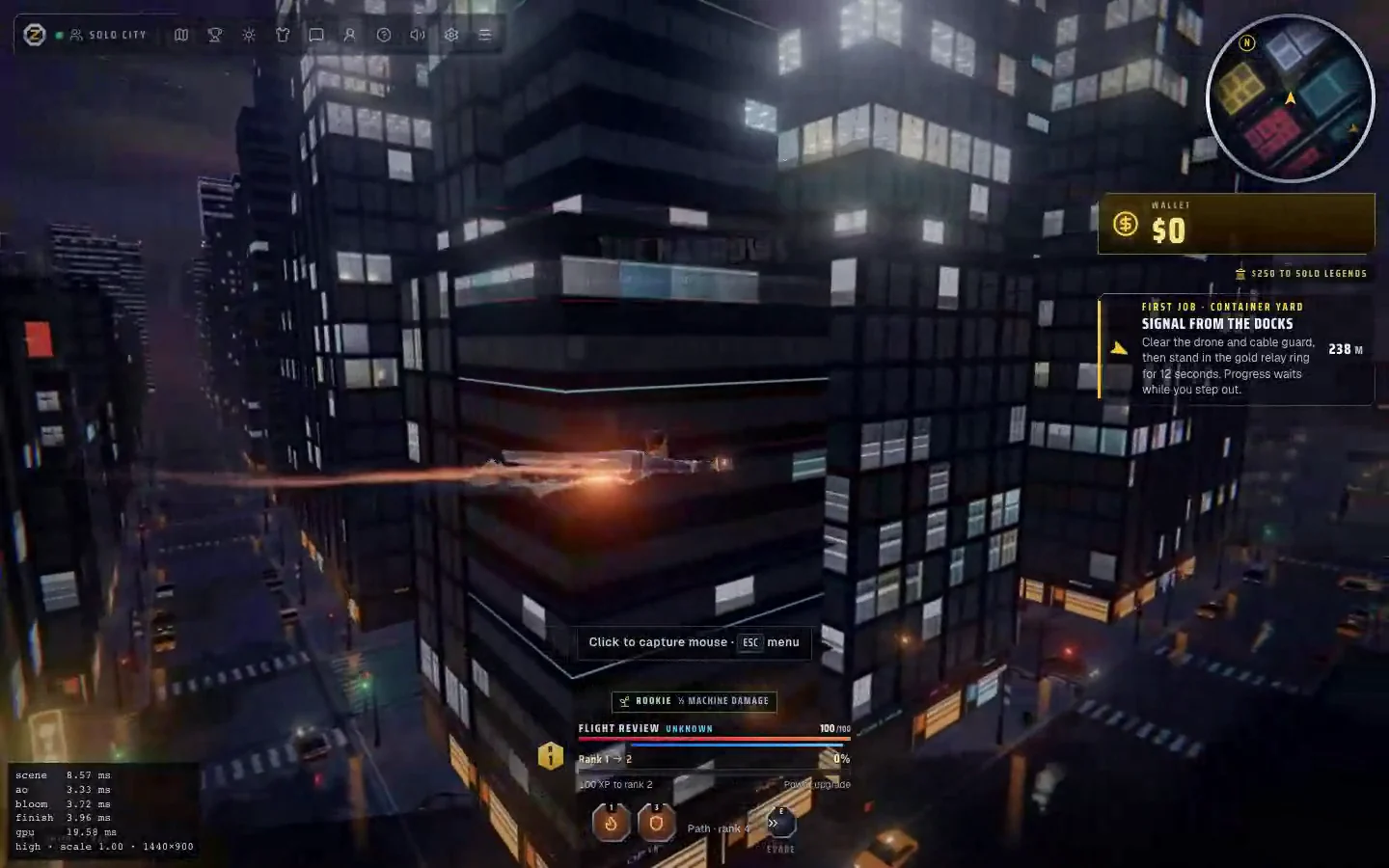
Take off into a controlled upright hover. As you move, the body extends into the direction of travel, then gathers when you brake. Climb into a diagonal line, or descend vertically with your feet beneath you. Starts and stops pass through the same motion, so changing your mind can look as immediate as it feels.
A continuous native-input Flight sequence in the actual local game: takeoff, hover, cruise, boost, turns, braking, vertical travel, airborne actions, a landing and another takeoff. Starting build, placement and clear weather prepare the scene; solo enemies, hazards and world events are suppressed. The complete interface remains visible and elapsed gameplay time is preserved. The concurrently recorded game mix adds no soundtrack or gain change. This is a disclosed local fixture, rather than public multiplayer or a device performance measurement.
02 / A clear line through the air
Lean into the route. Keep your eyes ahead.
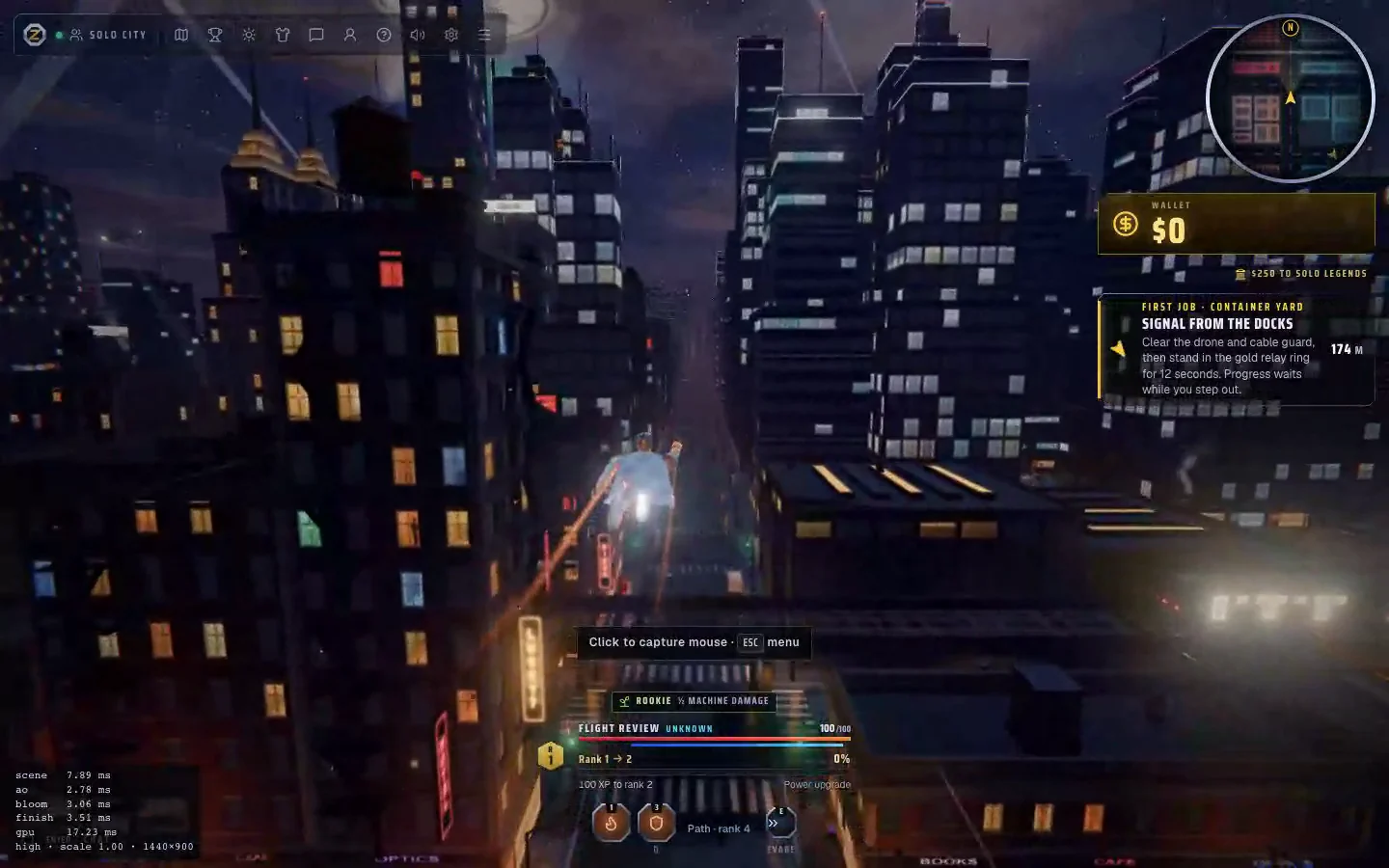
A bank follows the turn you are actually flying. The head counters the body's pitch, while the cape streams from the current movement. Classic Flight holds the same leading fist through cruise and boost; Jets keeps its compact thrust silhouette. Braking gathers the limbs beneath you, ready for the next direction.
03 / Bring your own build
Stay in flight. Stay ready to fight.
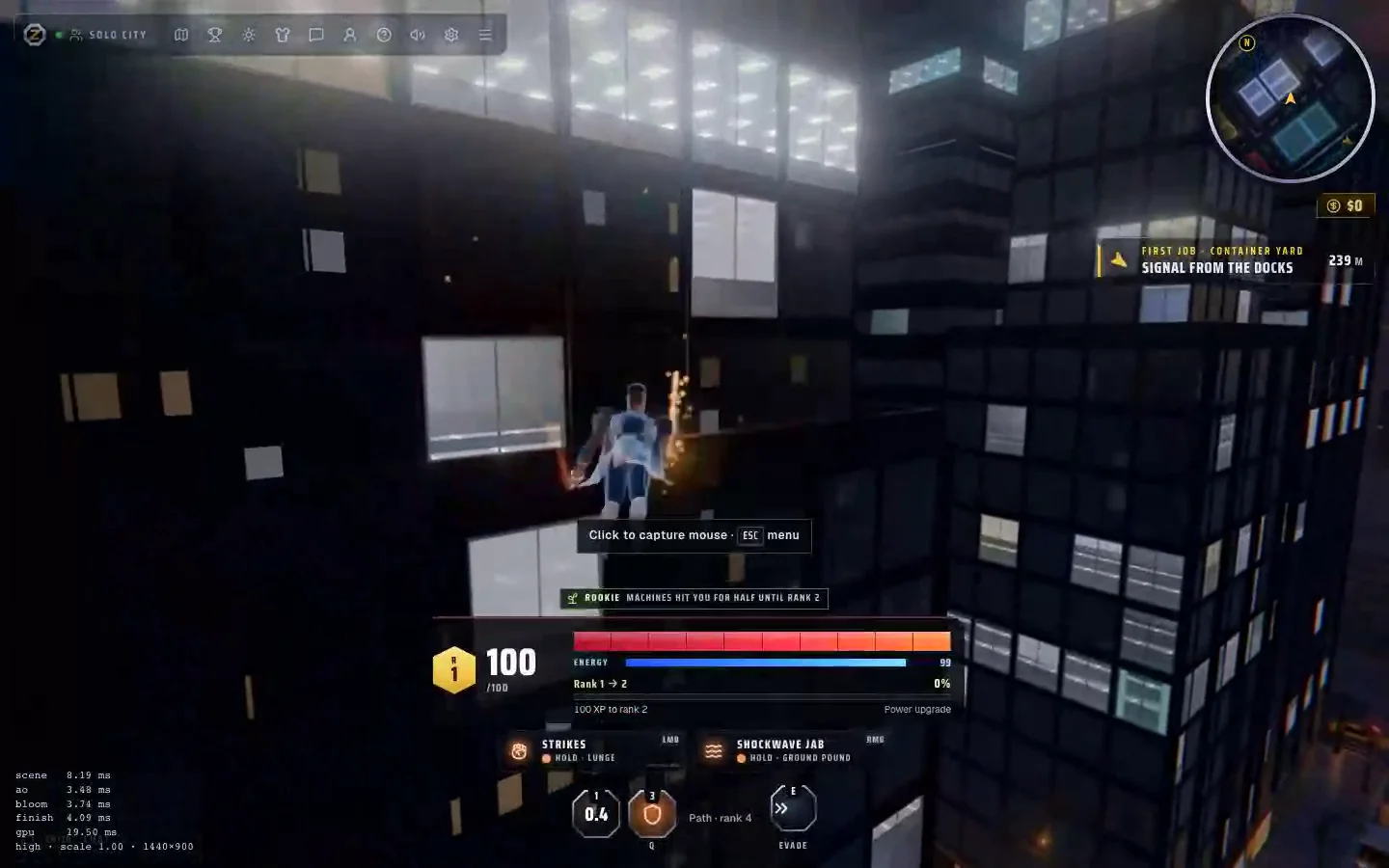
A cast or strike can move through the upper body while the pelvis holds the flight line. Carried weapons keep their own grips. Your power, fighting style, costume and movement remain yours to combine. Select Flight in the creator. Press F to lift off, or Space again while airborne. Hold Space to climb, C or Ctrl to descend and Shift to boost; P exits flight. On touch, use the rendered movement controls.
The details
Everything in v0.44.
One motion from hover to full flight
The body extends gradually as forward speed builds, then gathers as you slow. Climbing and descending follow the direction of travel; a controlled vertical descent stays upright. Takeoff and braking cues yield as soon as your movement changes, so a new input can flow into the next pose.
A silhouette that holds through boost
Classic Flight keeps its leading fist ahead as cruise becomes boost. Jets retains a compact thrust posture. The head counters the body's pitch to keep a steady line of sight. Your chosen fighting style keeps its appropriate weapon grip without replacing the whole flight pose.
Bank where you are going
Turns lean the body into the travel path. Aiming an attack in a different direction no longer invents a turn in the flight animation. Ordinary airborne attacks articulate over the flying pelvis, keeping the body line connected as a strike or cast begins and ends.
Airflow through the finish
The cape responds to the hero's current attitude and world movement. Wingtip trails use a stable follow-through during longer frames, and the wake follows the actual travel direction. Other players' flight flags, boost presentation and landings follow the motion being displayed; stale movement settles rather than holding a full-speed wake.
Keep the controls in your hands
Select Flight in the creator. Press F to take off, or press Space a second time while airborne. Space climbs, C or Ctrl descends, Shift boosts and P exits flight. Touch players use the rendered flight, climb, descend and boost controls. The redesign changes presentation while preserving movement response, speed limits, collisions and combat timing. Reduced motion quiets decorative hovering and lowers the bank intensity. Powers, fighting styles and movement remain independent choices.
Keep more ready between visits
Sound and graphics code can stay cached separately between visits. Updated browser caching rules help reuse current files, while shared scene upkeep avoids repeating a pass. These changes retain character detail, effects and graphics settings.