Mobile / Controls / Your view
City in Your Hands
More city.
Less in your way.
The skyline deserves more than the space left between menus. This update rebuilds mobile play around two thumbs, a clearer view and details that open when you ask.
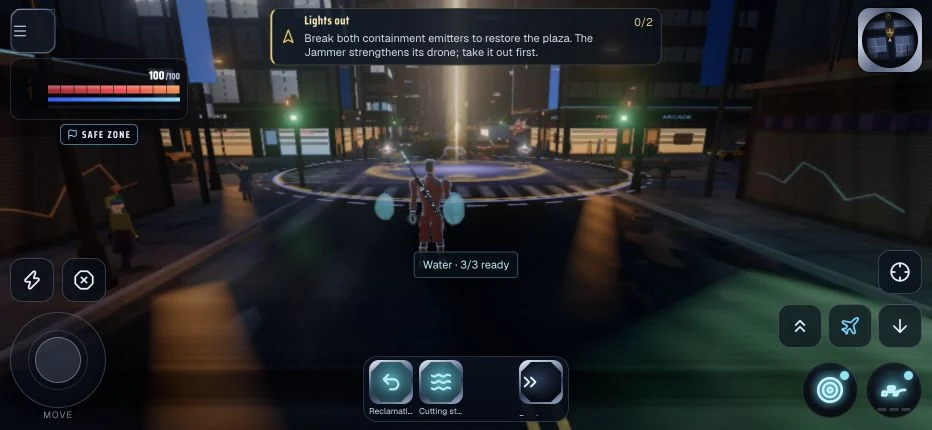
01 / In motion
Keep both thumbs in the fight.
Move with the left stick. Drag a held weapon or power to turn your aim with the other thumb. Tap Boost on or off, then steer without holding a third control. Your joystick, attacks, evade and traversal buttons keep their place as you switch power banks.
A Torrent hero takes flight, climbs above the street, then steers forward with Boost. The complete touch interface remains visible.
02 / A clearer view
The next move, at a glance.
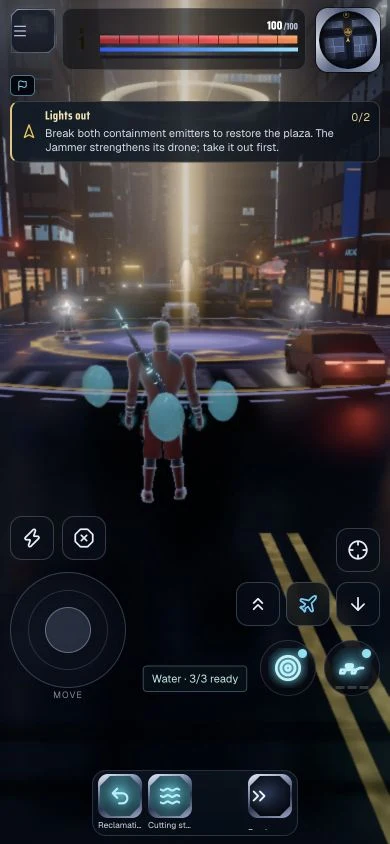
Compact health and energy leave room for the street. Nearby danger owns one context area; distant events move to the map. Your objective names the task. Open the map, a fortress dossier or your powers deliberately, then use Back or Resume to return. The city keeps moving while you inspect.
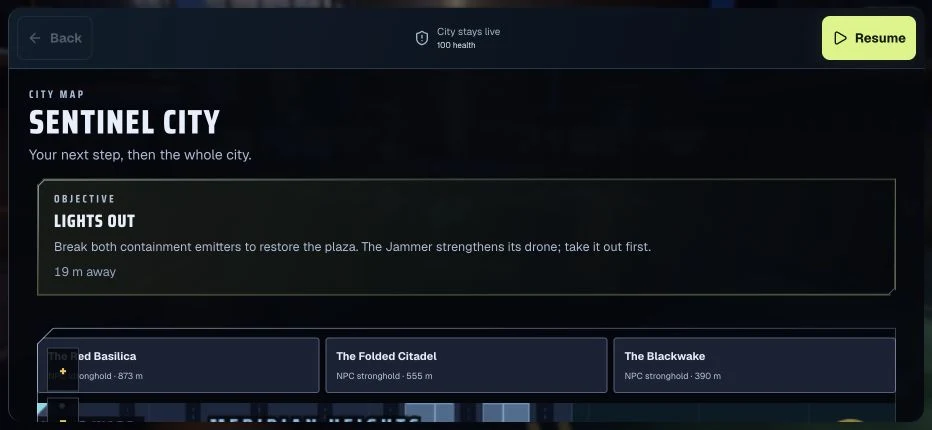
03 / Make it yours
A setup that fits your hands.
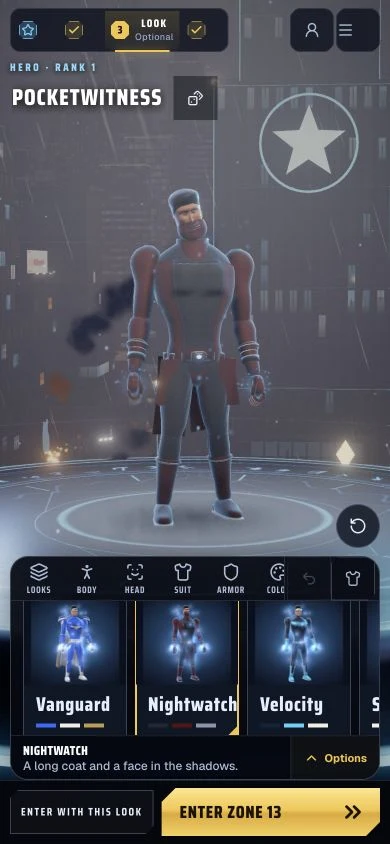
Mirror the controls, choose larger touch targets, tune look sensitivity and the stick dead zone, or switch Boost to hold. Two power pins stay available while the rest of your ten bindings sit in fixed banks. In the creator, compact selection rails keep your character in view. Options opens deeper choices; Model gives the stage its room back.
The details
Everything in v0.37.
Move, aim and fight
Drag a held weapon or power to adjust aim while steering with the left stick. Boost defaults to tap-to-toggle, with a held alternative in Touch settings. Two persistent power pins and two fixed four-action banks address all ten bindings without moving the joystick, attacks, evade or traversal controls. Pins follow the equipped ability, including Ultra finales, and can be changed in Powers. A selected target can be explicitly released. Existing targeting, range and damage rules remain authoritative.
Make room for the city
Compact vitals, named critical conditions and one local context area replace competing stacks. Objectives explain the next action and progress. Distant encounter news moves to the map badge. Crown scouting and place decisions open deliberately. Blocking menus share Back, live danger information and Resume; opening them does not pause the world. Portrait camera composition and a measured play area leave more room for the character and nearby danger.
The whole kit stays within reach
Touch traversal gains mode-specific descend, brake, wall-drop, tether and Impact-cancel actions. Cancelling a gesture or interrupting the browser no longer behaves like releasing a charged attack. Quick Choices wait for a deliberate tap on mobile, while movement and evade remain available. Loadout changes name the move, destination and displaced binding before confirmation. First-threat help stays available until acknowledgement or player progress.
Your view, your controls
Mirror the layout, choose larger controls, tune look sensitivity and stick deadzone, invert touch look, or switch Boost to hold. The creator begins with compact selection rails; Options opens deeper customization and Model restores stage room. Saved Looks has Back and Done, a single scroll area and larger code fields. Chat retains drafts and fits the visible keyboard viewport. A mobile rendering profile preserves power identity with bounded detail; performance still varies by device.